Qatar Visa Check — Step-by-Step Online Status Verification
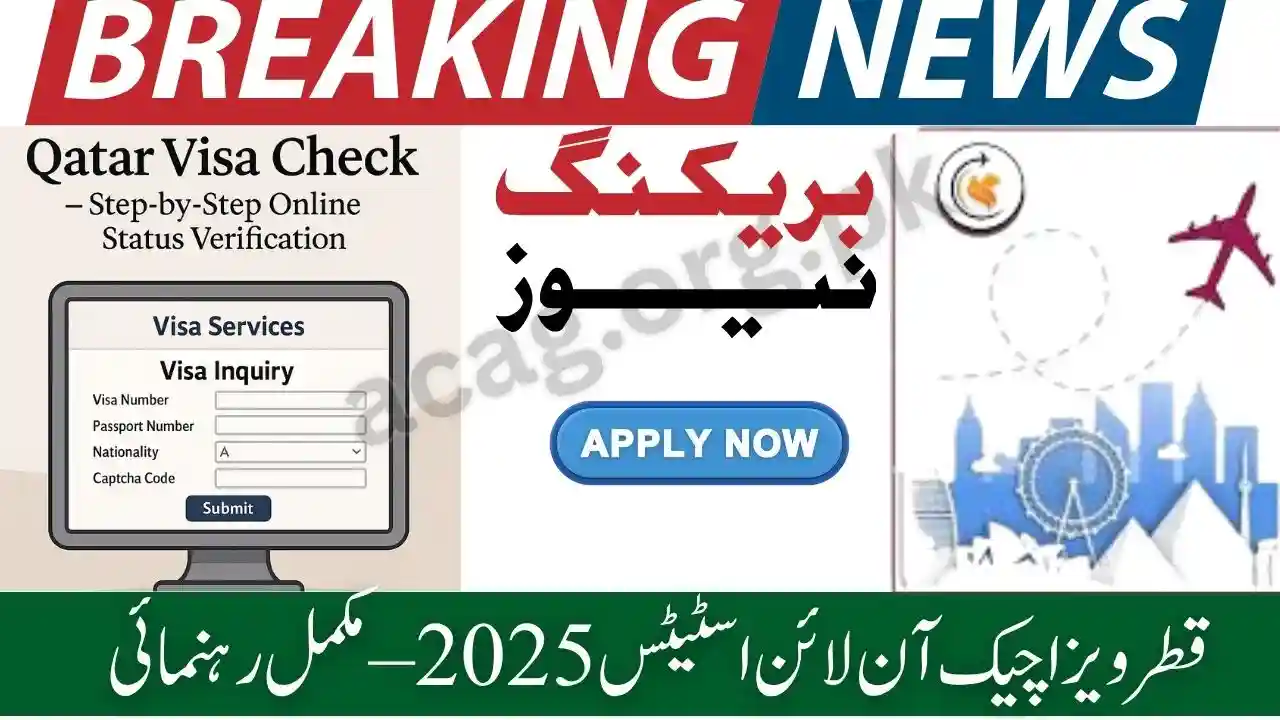
Qatar Visa Check Online Status 2025 has become extremely easy with the Ministry of Interior (MOI) Qatar e-service system. Whether you applied for a Qatar work visa, family visit visa, GCC resident visa, business visa, or visa extension, you can verify your application status within seconds using your passport number or visa number. This article provides a complete step-by-step guide on how to perform a Qatar visa check online in 2025, including requirements, official portals, troubleshooting tips, and frequently asked questions.
Qatar receives millions of visa applications every year for employment, tourism, family residency, and professional work. Due to this high inflow, the government has simplified the online verification process to ensure quick and transparent visa tracking for applicants worldwide.
This detailed guide explains every method to check Qatar visa status, how to use MOI Qatar services, how to confirm visa approval, and what to do if your visa shows “under process,” “not found,” or “rejected.”
What Is Qatar Visa Check Online?
Qatar Visa Check Online is an official MOI (Ministry of Interior) e-service that allows applicants to track their visa approval status, entry permit details, and validity using the visa number or passport number. The system is available for:
- Qatar Work Visa
- Qatar Employment Visa
- Qatar Family Visit Visa
- Qatar Family Residence Visa
- Business Visa / Multiple-Entry Visa
- GCC Resident Entry Visa
- Visa Extension / Visa Renewal
- Pre-approved Visa from Qatar Airways
The online system helps applicants confirm whether:
- Their visa is approved
- The application is under review
- Additional documents are required
- The visa is rejected
- The visa is ready for printing
Qatar Visa Check Online — Complete Step-by-Step Guide:
Below is the official process to check your Qatar visa status through the MOI portal. Follow each step carefully.
Step 1: Open the Official MOI Qatar Website
Go to the official Ministry of Interior Qatar portal:
This is the only authentic website for Qatar visa verification. Always avoid third-party or fake websites that may mislead applicants.
Step 2: Go to “Inquiries” Section
On the homepage, locate the “Inquiries” tab from the main menu. This section contains all Qatar e-services including visa inquiries, traffic services, residency services, and exit permits.
Read Also: UK 2-Year Post-Study Work Visa (Graduate Route) — How Pakistanis Qualify
Step 3: Select “Visa Inquiry & Printing”
Under the Inquiries menu, click on:
Visa Services → Visa Inquiry & Printing
This is the official tracking tool for all types of Qatar visa applications.
Step 4: Choose Verification Method
You can check visa status using:
- Visa Number
- Passport Number
- Application Number
Most applicants use passport number since it is the easiest.
Step 5: Enter Required Information
Fill the fields:
- Passport Number
- Nationality (select from the dropdown menu)
- Visa Number (optional)
- Captcha Code
Ensure that your information is accurate, because even a small mistake leads to “Visa Not Found.”
Step 6: Click “Submit”
Press the Submit or Inquiry button.
Within 1–2 seconds, your visa status will appear on screen.
Qatar Visa Status Results — What Each Message Means
After you check your visa online, the system may show one of the following messages. Here is what each status means.
1. Visa Approved
This means your visa is successfully processed and ready. You can print the visa and prepare for travel.
2. Under Process
Your visa application is still being reviewed by MOI Qatar. Common reasons:
- Background check ongoing
- Employer document verification
- System delay
- High volume of visa applications
Under-processing timeframe can vary from 2 days to 4 weeks.
3. Visa Not Found
This appears when:
- Wrong passport number
- Wrong nationality
- Your visa is not yet submitted to MOI
- Your sponsor/employer has not uploaded documents
- Technical error on the website
Try checking again after 24 hours.
4. Rejected
If your visa is rejected, the system may not show the reason. Common reasons include:
- Incorrect documents
- Mismatch in employer/sponsor information
- Security clearance failure
- Overstay history in Qatar or GCC
- Not meeting visa category rules
Applicants must contact their employer or sponsor to reapply.
5. Ready for Printing
This status confirms that your visa is approved and the official visa document is ready for download.
Read Also: Breaking News: All NADRA Offices to Remain Closed on November 9, 2025 – Official Notification Issued
Qatar Visa Check Using Passport Number — Simple Method
The easiest way to track your visa is through your passport number.
Follow these steps:
- Go to MOI website
- Open Visa Inquiry & Printing
- Select “Passport Number”
- Enter passport number
- Select nationality
- Enter captcha
- Click “Submit”
Your visa details will appear instantly.
Qatar Visa Check Using Visa Number
If your employer or agency provided a Visa Number, use this method:
- Visit MOI Qatar Portal
- Go to Visa Inquiry
- Select “Visa Number”
- Enter visa number
- Select nationality
- Enter captcha
- Press submit
You will see full visa information.
Qatar Visa Check on Metrash2 App
Metrash2 is an official Qatar government mobile app. You can check visa status by:
- Downloading Metrash2
- Logging in with Qatar ID
- Opening Visa Services
- Selecting Visa Inquiry
This option is mostly for residents and sponsors inside Qatar.
Qatar Airways Visa Check (Pre-approved Entry Visa)
If you applied for a visa through Qatar Airways, the airline provides its own visa tracking system. You can check your visa through:
- Qatar Airways Holidays Portal
- “Track Visa Application” section
- Enter passport number
This is helpful for tourist and transit visas.
How to Print Qatar Visa Online
Once your visa is approved, follow these steps to download the visa:
- Open MOI portal
- Go to Visa Inquiry & Printing
- Enter passport/visa number
- Click “Print” at the bottom of the page
The PDF file will download instantly.
How Long Does Qatar Visa Take to Get Approved?
The approval time varies by visa type:
| Visa Type | Average Processing Time |
|---|---|
| Work Visa | 1–4 weeks |
| Family Visit Visa | 1–3 weeks |
| Family Residence Visa | 3–6 weeks |
| Business Visa | 2–7 days |
| Tourist Visa | 48–72 hours |
| GCC Resident Visa | 1–3 days |
During peak season (September–December), delays are common.
Why Qatar Visa Gets Delayed?
Common reasons include:
- High number of applications
- Sponsor/company delay
- Mismatched documents
- MOI security clearance pending
- Ramadan and Eid holiday periods
- Missing contract verification
Delays do not mean rejection; it simply means your application needs more time.
What to Do If Qatar Visa Status Shows “Not Found”?
You should:
- Recheck passport number
- Verify nationality
- Confirm your visa application is submitted
- Ask employer for visa number
- Try again after 48 hours
- Avoid checking during system maintenance hours
If the issue continues, contact MOI Qatar helpline.
How to Confirm Your Qatar Visa Is Genuine?
To verify authenticity:
- Check visa on MOI portal
- Barcode must match visa number
- Personal details (name, date of birth, nationality) should be correct
- Employer/sponsor information must be listed
- Entry permit validity must be mentioned
If anything appears suspicious, recheck with your company or recruiting agent.
Read Also: Punjab Land Records Online Check – Download ROD Portal Documents with CNIC
Qatar Visa Validity Check
Entry permits usually have:
- 90 days validity to enter Qatar
- 30 days allowed for tourist visas
- Multi-entry visas may have extended validity
Always check the expiry date on the MOI portal.
Required Documents for Qatar Visa Tracking Online:
You only need:
- Passport number
- Visa number (optional)
- Nationality
- Application number (if available)
No additional documents are required for online verification.
Benefits of Checking Qatar Visa Online:
- Fast and 100% secure
- Saves time
- No need to contact agents
- Helps applicants avoid scams
- Provides real-time updates
- Accessible worldwide
FAQs Qatar Visa Check Online Status 2025:
Q1: Can I check my Qatar visa without a visa number?
Yes. You can check using passport number + nationality.
Q2: What does “Under Process” mean?
It means your visa is still being reviewed by MOI Qatar.
Q3: My visa shows “Not Found.” What should I do?
Wait 24–48 hours and recheck. Confirm details with your employer.
Q4: How long does Qatar work visa approval take?
On average 2 to 4 weeks, but it may take longer.
Q5: Can I print my Qatar visa online?
Yes. Use MOI Visa Inquiry & Printing service.